People act before the deadline instead of after it
The image is drawn when the message is opened, so a subscriber who gets to it on Thursday night sees the hours they actually have, not the number you typed on Monday.
See a flash sale set upThe countdown is drawn at the moment your email is opened, so the time it shows is the real time left, inside Klaviyo, Mailchimp, HubSpot, or whatever you already send with.
5,000 opens a month on the free plan, no card, and nothing for a developer to review.
<img src="https://img.emailtimer.app/i/k7mQ2pXd.gif
           ?w=w_8ha3fq&v=3&sig=YOUR_SIGNATURE"
     alt="{{ first_name }}, your 25% off ends tonight"
     width="600" height="200" border="0"
     style="display:block;width:100%;max-width:600px;" />
Works with your existing platform
Paste one snippet into the template you already have. Find your platform
Why marketers put one in
A visible deadline changes when people act. A subscriber who can see four hours left does not tell themselves they will come back to it.
The image is drawn when the message is opened, so a subscriber who gets to it on Thursday night sees the hours they actually have, not the number you typed on Monday.
See a flash sale set upOne image can carry the first name, the coupon code and the countdown together, drawn from your recipient list, so you are not building six versions of the same campaign to cover six segments.
See what you can merge inDesign it in the editor, copy the snippet, paste it into the campaign you already built. No ticket, no release, nothing for a developer to review.
See the three stepsWhen the deadline passes, the image becomes the expired frame you chose before sending, so somebody opening on Monday reads that the offer has ended instead of a clock stuck at zero.
See what happens at zeroTimer styles
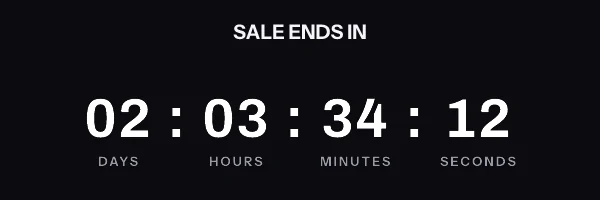
A Friday flash sale and a black tie invitation should not use the same clock. Every timer below is a real render, running now, in your fonts and your colours once you make it yours.
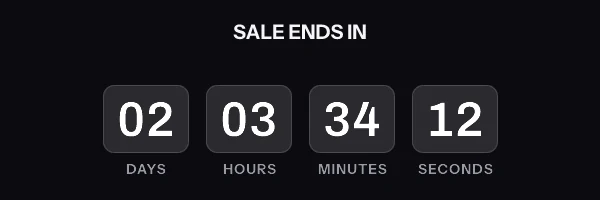
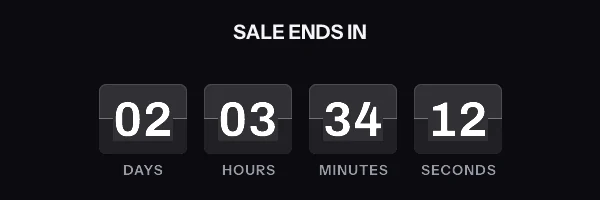
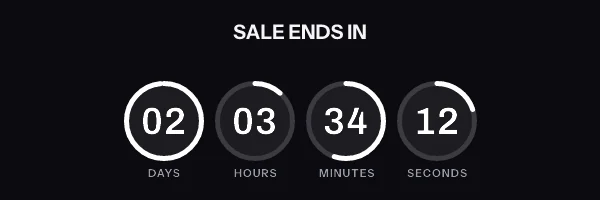
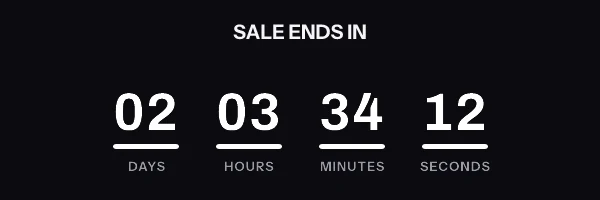
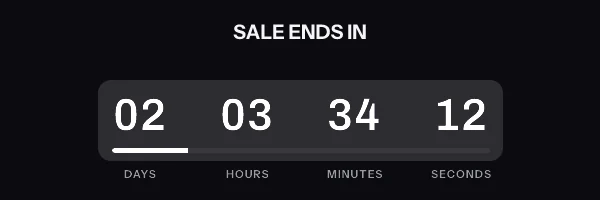
Two more styles, plus right to left for Arabic and Hebrew lists, are on the features page with the timing models behind them.
Personalization
You send one campaign. Every subscriber gets a graphic built for them at the moment they open it, which means you stop cloning a template five times over just to change a discount code.
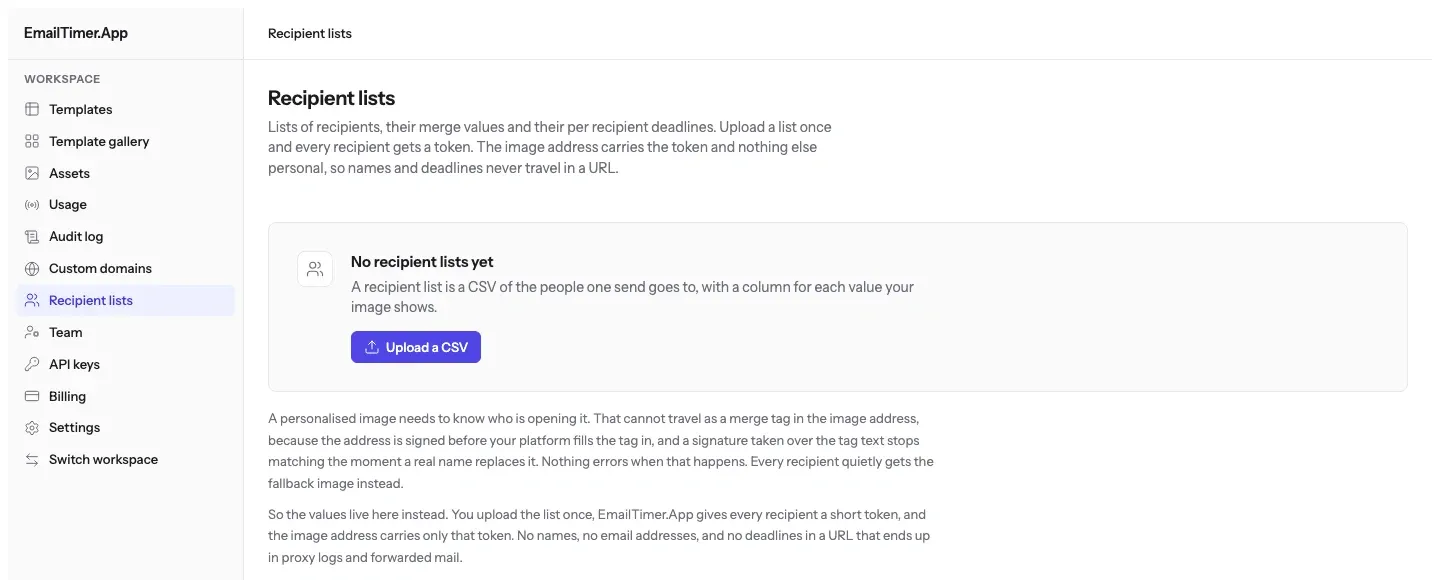
Everything you can merge inValues from your recipient list go in. One image comes back with all of them drawn into it.
Setting one up
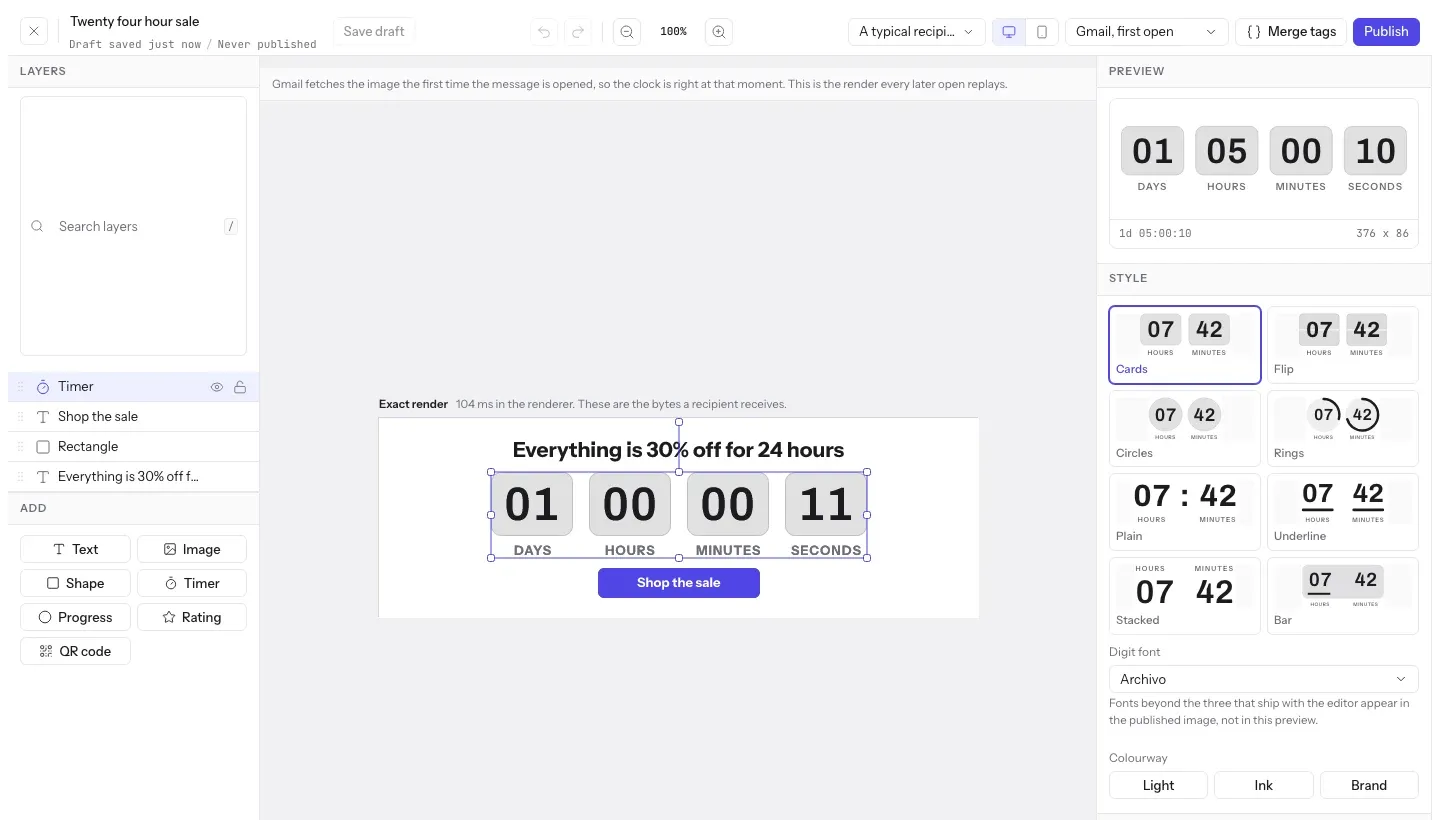
You are not installing anything and you are not changing how you send. You are pasting an image into a campaign, the way you already paste a banner.
Pick a timer style, set the deadline, and add the pieces you want personalized: a first name, a coupon code, a product shot. The editor shows you the finished image as you go.
Eight timer styles, plus right to left for Arabic and Hebrew lists.
Copy the snippet. It already carries the merge tags your platform uses. Drop it into an image block or an HTML block in the email you have already built.
21 platforms, each with its own ready made snippet.
A subscriber opens the email and the image is made for them right then. When the deadline passes they see the closing graphic you chose, never a counter frozen at zero.
You pick the expired image before you send. Nothing breaks after the sale.
Worth knowing before you send
Some mail apps fetch your images before your subscriber has opened anything. Apple Mail collects them at delivery to protect its users' privacy. Gmail keeps its own copy after the first open, for a length Google does not publish, so a re-open can come back from that copy. Outlook on Windows shows the first frame of an animation and nothing after it.
None of that breaks a countdown. It changes what some subscribers see, and you should know which ones before Black Friday rather than after it. Every style is built so the first frame is already correct, and the editor tells you per email client what will land, while you can still change it.
What each inbox actually does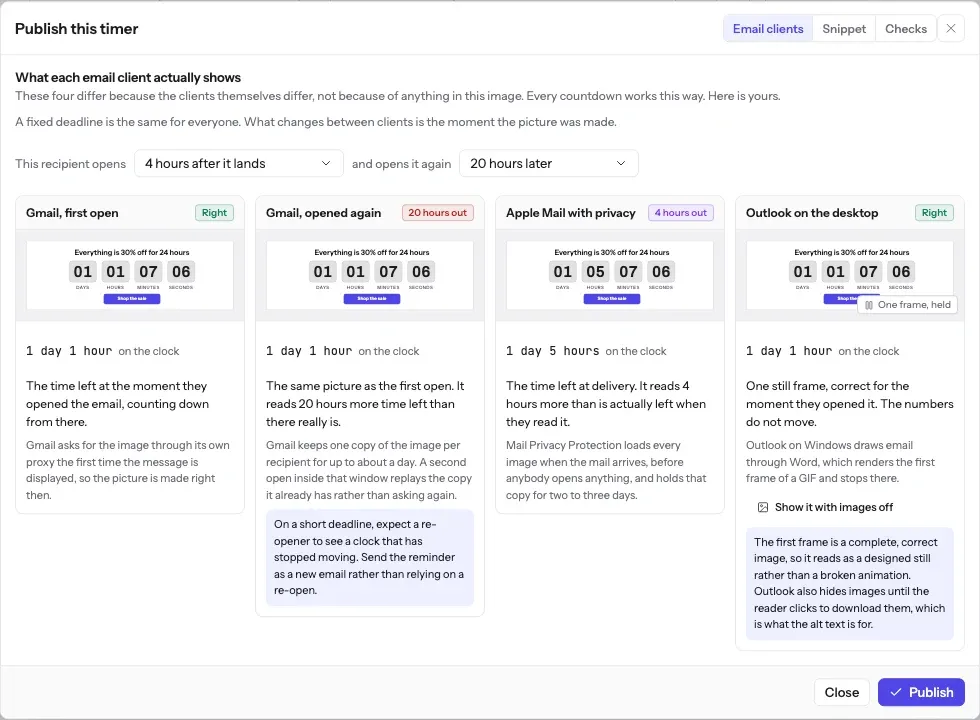
What it costs
Timers and personalized images come together on every plan, so there is no second line item to defend at budget time. Starter is $19 a month, or ₹1,599 if you are billing in India, and covers 250,000 opens. On a 50,000 person list, that is every subscriber opening five times over. Annual billing gives you two months back in either currency.
Dollars run on Stripe. Rupees run on Razorpay, with UPI Autopay, net banking eMandate, or a card.
$0 a month ₹0 a month
5,000 opens a month
For a first campaign, a small list, or proving the idea works before you ask for budget.
Start free$19 a month ₹1,599 a month
250,000 opens a month
For a store running weekly promotions and a monthly newsletter to a real list.
Choose Starter$49 a month ₹3,999 a month
1,000,000 opens a month
For daily sends and lifecycle flows that keep running while you are asleep.
Choose Growth$149 a month ₹11,999 a month
5,000,000 opens a month
For running a dozen clients from one place, on domains that carry their name.
Choose AgencyPrices exclude tax. Tax is shown at checkout.
Published starter plans, taken from NiftyImages' own pricing page. Prices checked on 16 September 2026.
EmailTimer.App
$19/mo
250,000 opens
$0.076 / 1k opens
Countdown timers and personalized images on one subscription.
NiftyImages
$59/mo
25,000 opens
$2.36 / 1k opens
Starter, Growth and Scale priced against a slider of opens a month, up to 500,000. Above that, and on the Enterprise tier that carries the developer API, pricing is a custom annual quote with no published number.
Go over your plan mid-campaign and nothing stops. Your images keep rendering, we email you at 80 and 100 percent, and a send in flight is never held hostage. Every plan, side by side
Two gateways, because a card mandate is not how most people in India pay for a subscription. You choose the currency before you pay.
Dollars, through Stripe
Visa, Mastercard and American Express, plus Apple Pay and Google Pay where your browser offers them. Available wherever Stripe operates.
Rupees, through Razorpay
UPI Autopay, so the mandate sits in the UPI app you already use. Net banking eMandate for finance teams that pay from a bank account. Indian credit and debit cards.
Tax is shown at checkout. Annual Agency plans can also pay by bank transfer against an invoice if your finance team needs that.
Questions
If the one you have is not here, the answer is probably in the guide or the docs, and both are written the same way as this.
One request for your image. A subscriber opens the email, their mail app fetches the countdown, and that is one open. If the same app or a proxy serves the image again from its own cache, you are not charged for it a second time. $19 a month covers 250,000 of them.
It stops being a timer. At 00:00:00 the image becomes the closing graphic you chose before you sent, so somebody opening on Monday morning reads "This offer has ended" instead of staring at a counter stuck on zero. You pick that graphic in the editor and never think about it again.
Nothing stops. Your images keep rendering for the whole send. We email you at 80 percent of your monthly opens and again at 100 percent, and past 110 percent new renders carry a small watermark until you move up a plan. A campaign in flight is never held hostage over a billing threshold.
Any platform that lets you put an image in an email, which is effectively all of them. Klaviyo, Mailchimp, HubSpot, ActiveCampaign, Salesforce Marketing Cloud, Braze, Iterable, Customer.io, SendGrid, Brevo, Omnisend and Shopify Email each get a snippet with their own merge tag syntax already filled in, so there is nothing to translate.
Outlook on Windows shows only the first frame of an animation, because it draws mail with the Word rendering engine. EmailTimer.App works out the exact time remaining at the moment Outlook asks for the image and bakes it into that first frame, so those subscribers see a correct still countdown rather than a broken one. Outlook on mobile and Outlook on the web play the full animation.
No. Design the image in the editor, choose your email platform, copy the snippet, paste it into your template as an image block or an HTML block. If your team does want to generate images in code there is a REST API on the Growth plan, but nobody needs it to send a campaign.
Put it in the email, where your subscribers will actually see it. The free plan covers 5,000 opens a month, and setting one up is three steps: build the image, copy the snippet, paste it into the campaign.