Roles, approvals and regional teams in one account
By Danish Mohammed, founder. 7 min read
EmailTimer.App has three roles in a workspace: owner, admin and member. A member can build and edit templates but cannot publish, so nothing a builder changes reaches a delivered email until an owner or an admin publishes it. That is the whole approval model. There is no approval queue, no custom role, and no SSO, SAML or SCIM.
This is the governance chapter of choosing a dynamic image and countdown timer vendor for an enterprise email programme, written for the person who has to decide who in a CRM team, and in which country, may change what a customer sees. Every statement below was read from the product’s code on 23 September 2026. The permission map is a table seeded into the database, and the dashboard’s team screen tests its own wording against that seed, so the two cannot quietly disagree.
The three roles, permission by permission
| What someone wants to do | Owner | Admin | Member |
|---|---|---|---|
| Create and edit templates, upload images | Yes | Yes | Yes |
| See usage, templates and recipient lists | Yes | Yes | Yes |
| Publish or unpublish a template | Yes | Yes | No |
| Upload or delete a recipient list | Yes | Yes | No |
| Create and revoke API keys | Yes | Yes | No |
| Rotate the image signing secret | Yes | Yes | No |
| Add or remove a custom image domain | Yes | Yes | No |
| Read the audit log | Yes | Yes | No |
| Invite and remove people | Yes | Yes | No |
| Change somebody’s role | Yes | No | No |
| See billing, the plan and invoices | Yes | No | No |
Two rules sit on top of that table, and the server enforces both. Nobody can act on a person more senior than they are, or hand out a role more senior than their own, so an admin cannot invite an owner and cannot remove one. And the last owner of a workspace cannot be removed or demoted, because only an owner can ever appoint another owner. Nobody can remove themselves either: another owner or admin has to do it.
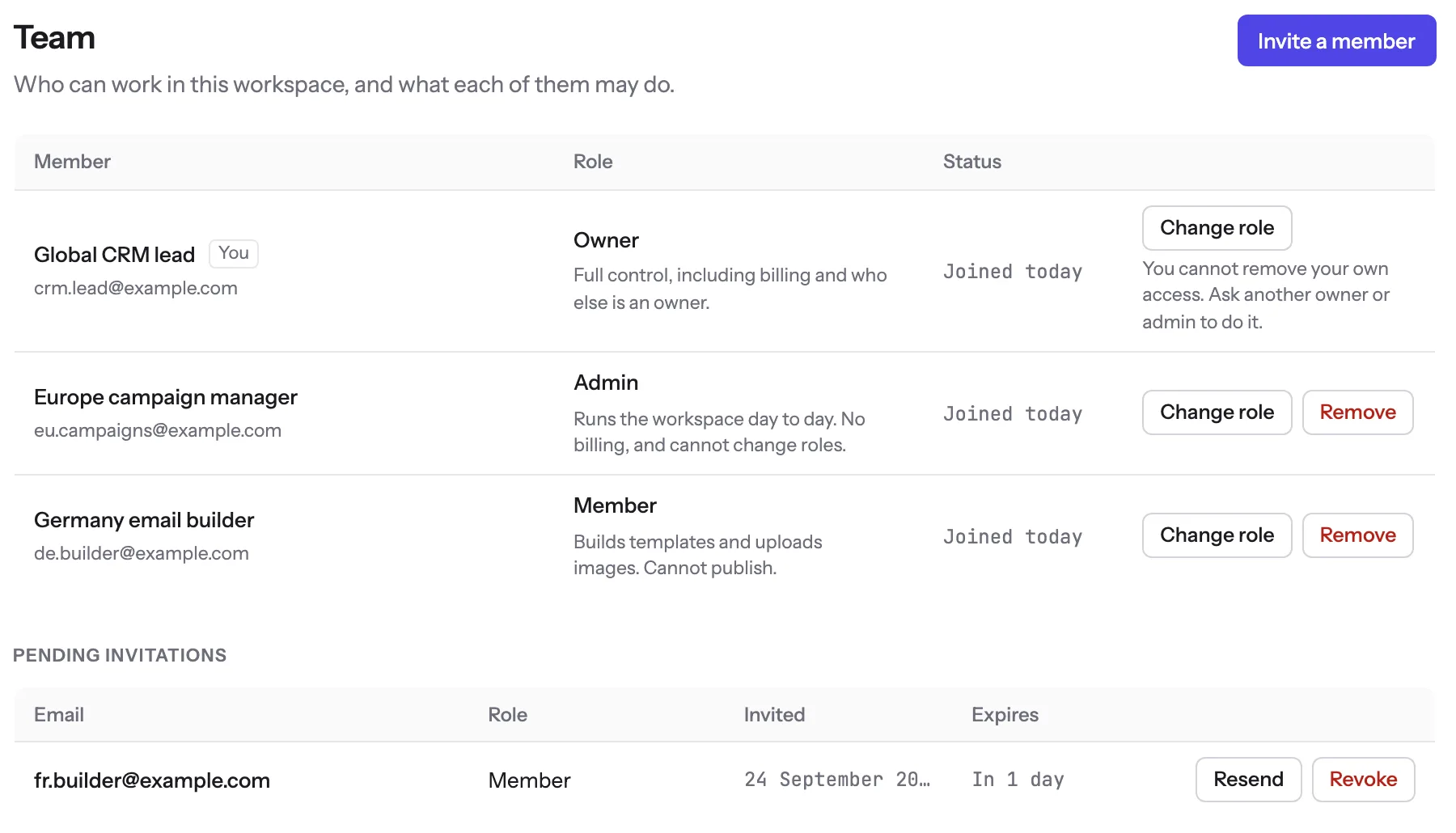
Invitations are real invitations. Nobody holds a role until they accept, the link lasts 48 hours, and Resend moves the expiry out without changing the link. A removed person loses access on their next request, and their templates, published versions and images stay in the workspace and keep serving the mail already sent.
What approval means here
A member sees the same Publish button everyone else does. Pressing it sends the request, the server refuses it, and nothing changes.
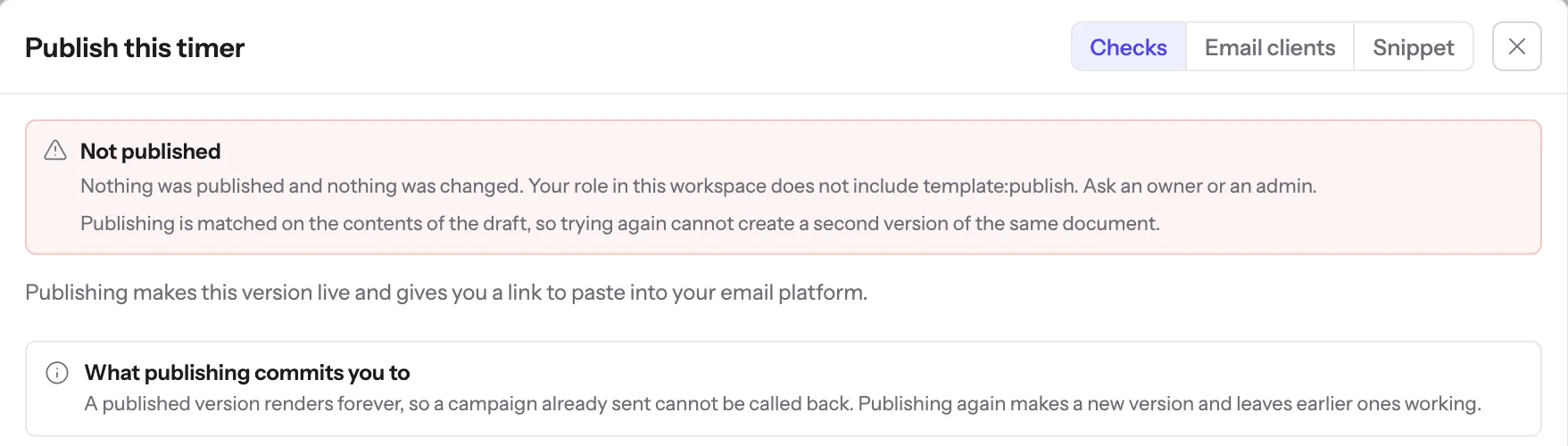
So the review happens outside the product. The builder tells an admin in whatever channel your team already uses, the admin opens the template, checks it, and publishes. Nothing is queued, nobody is notified, and the product does not know a review took place. If your process needs a record of who approved what, the audit log has who published and when, and the reason lives in your ticket.
Publishing makes a new numbered version and leaves every earlier one serving. Each image address in a sent email names the version it was sent with, so a change approved today reaches new sends and never rewrites last month’s campaign.
Adobe Marketo Engage splits the same decision more finely: its role permissions list “Edit Email” and, separately, “Approve Email - Enables users to approve emails.” Our split is the same idea at a coarser grain. What we do not have is worth listing plainly, because a procurement checklist will ask:
- A reviewer who can approve without also being able to edit. Owners and admins can do both.
- A second-person rule. An admin can publish a change they made themselves.
- Comments, change requests or a pending state on a template.
- Custom roles. The three are fixed, and adding one is a change on our side, not a setting on yours.
One more gap sits in the API rather than the dashboard. An API key with the write scope can publish, because an integration that generates images has to. Only owners and admins can create keys, and no key can ever invite people, change roles, rotate the signing secret or read billing. But if your approval rule matters, give integrations read keys, or accept that the integration is one of your approvers. The key scopes are on the API page.
Regional teams: one workspace or several
Roles belong to a workspace, and a person can belong to more than one workspace and switch between them from the account menu. What the product cannot do today is put two workspaces under one subscription. The dashboard creates a workspace the first time an account signs in, and it has no screen that adds a second one under the same bill. The database is built for one organisation with several workspaces, and the Agency plan on pricing lists client workspaces, but on 23 September 2026 nothing in the product creates that shape. So a programme with regional teams has two real choices.
| One shared workspace | One workspace per region | |
|---|---|---|
| How it is set up | Everyone invited into one workspace | Each region signs up separately and invites the central team |
| Billing | One plan, opens pooled | One plan per region, billed separately |
| Who sees what | Every template is visible to everyone in it | A region sees only its own |
| Signing secret, custom domains, audit log | Shared | Separate per region |
| Central oversight | Central team holds owner, regions hold admin or member | Central lead is invited into each workspace as owner or admin |
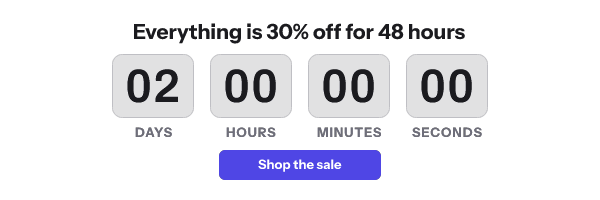
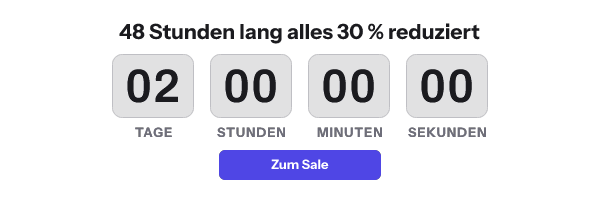
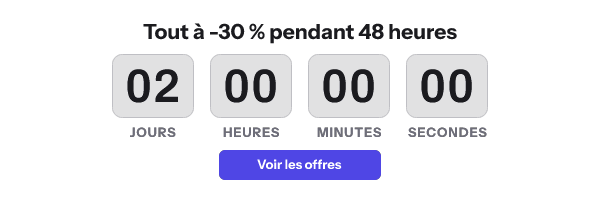
Within either shape, a template carries its own language and its own time zone, which is most of what a regional team needs to change. The timer’s language setting draws the engine’s own unit labels, which ship for 45 languages, and a fixed deadline is read in whatever time zone the template names. The three pictures below are one sale design, rewritten by three teams and rendered by the product’s engine.
Sign-in, and what is missing from it
People sign in with an email address and a password of at least 12 characters, or with Google. Sessions last 14 days and refresh once a day of use. There is no SSO through Okta, Entra ID or any SAML provider, no SCIM provisioning, and no two-factor authentication. The practical consequence is offboarding: when somebody leaves your company, switching them off in your identity provider does not remove them here. Somebody with the admin or owner role has to remove them on the Team screen, and the removal takes effect on their next request.
The audit log
Owners and admins can read a log of who did what, when and from which address. Members cannot.
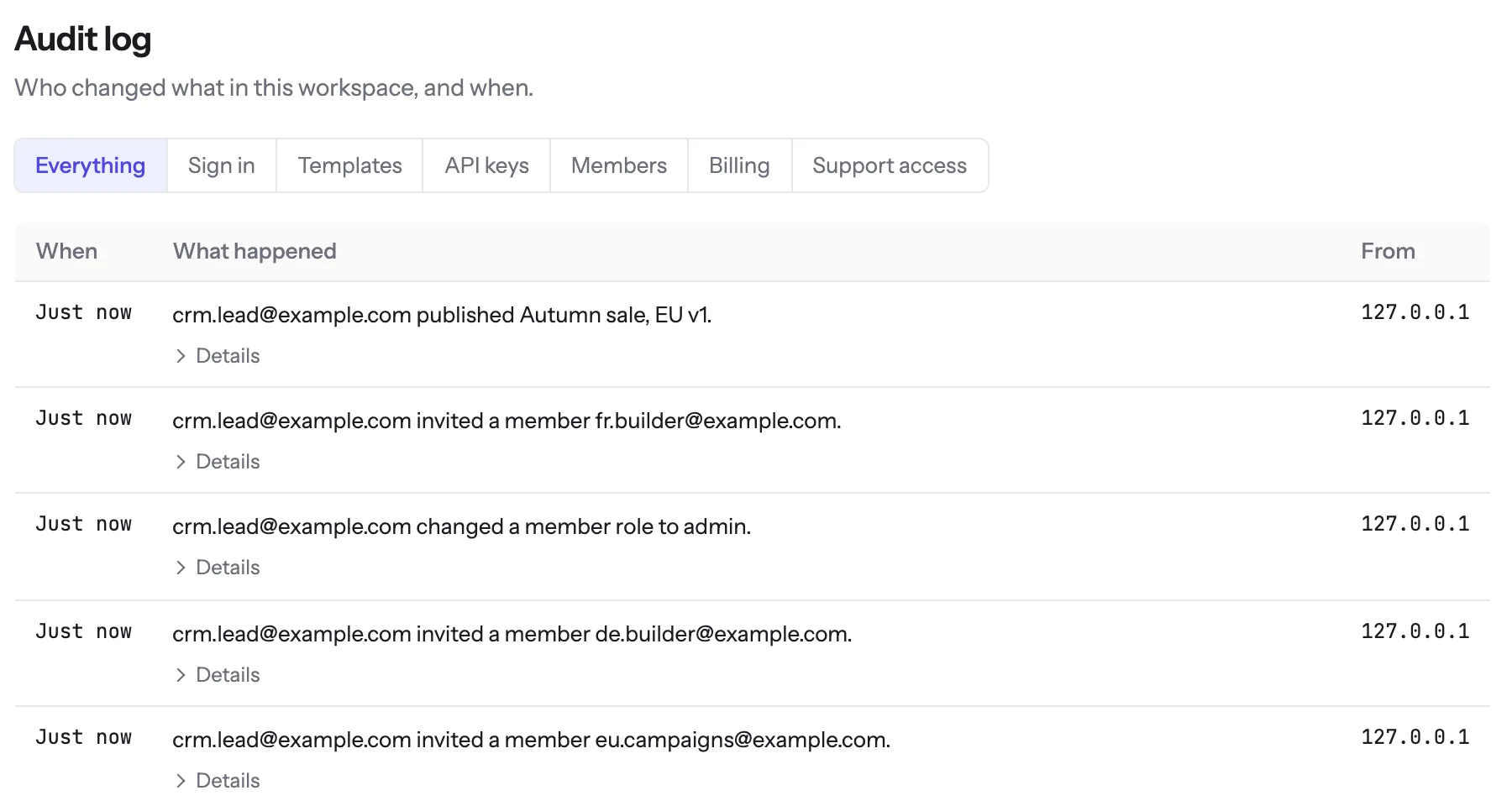
It records sign-ins, publishes and unpublishes, API key creation and revocation, invitations and role changes and removals, billing changes, custom domains, signing secret rotation, recipient imports and webhook endpoints. It also records support access: when the operator enters your workspace to help, the row names them, and you can read it. Saving a draft is not recorded, so the log shows what reached a customer rather than every keystroke on the way.
A database trigger refuses to delete any audit row younger than 400 days, including a delete from us, and rows are pruned after 420. The screen has no export and nothing streams the log to a SIEM, and API keys cannot read it, so a review that needs the log in its own tooling has to ask us for it. The rest of the security answers are in the vendor security review chapter, and the questions to put to any vendor on this topic are on the evaluation checklist.
Questions and answers
Does EmailTimer.App support SSO or SAML?
No. Sign-in is an email address and password, or Google. There is no SAML, no SCIM and no two-factor authentication today.
Can we create a custom role, such as publish-only?
No. There are three fixed roles. A reviewer who can approve without editing does not exist, and an admin can publish their own changes.
Can a member publish through the API?
Not with their own access: members cannot create API keys. A write key that an owner or admin created can publish, whoever holds it.
Sources
Related
Put a countdown in the campaign you are writing now
The free plan covers 5,000 opens a month with no card. Starter is $19 a month for 250,000.