Sale email subject lines for every send, from teaser to final hours
By Danish Mohammed. 7 min read
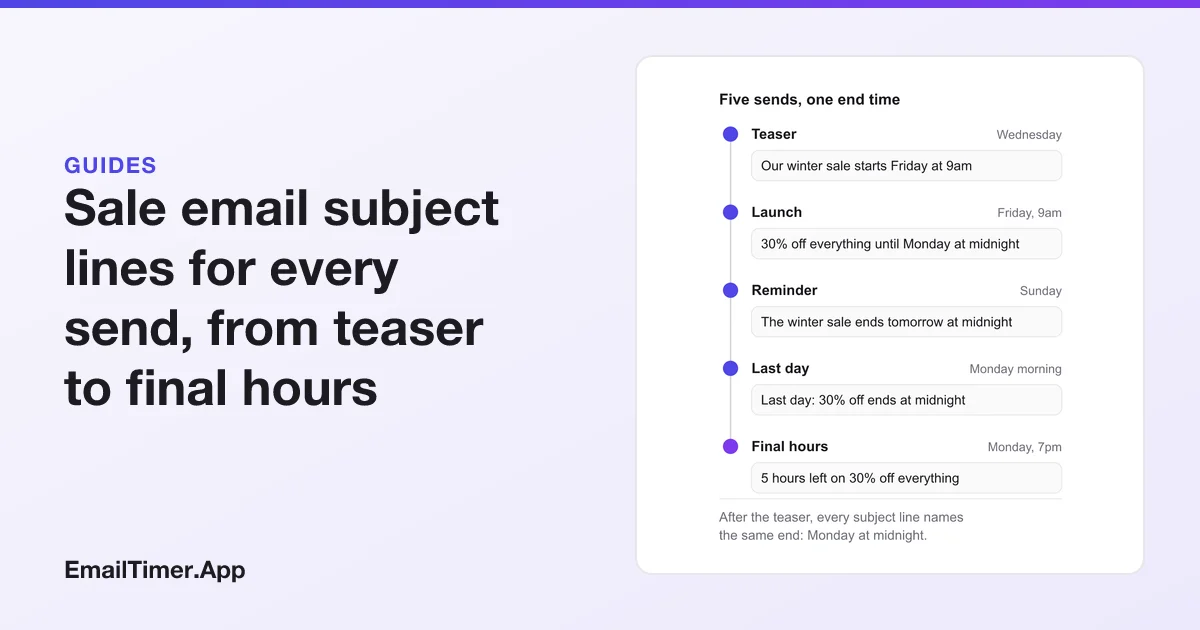
Sale email subject lines work when they name the offer and its real end time in the first few words, and change from send to send as the end gets closer. A teaser names the start, the launch names the discount and the end, and the final send names the hours left. Every example below is original and marked by which send it belongs to.
This page is about sales in the shop sense: a discount for a set period, sent to people who signed up for your email. Subject lines for cold sales outreach are a different job and are not covered here.
One end time, five subject lines
A sale usually goes out as several sends to the same list. The subject lines should read as one story, and every one after the teaser should name the same end.
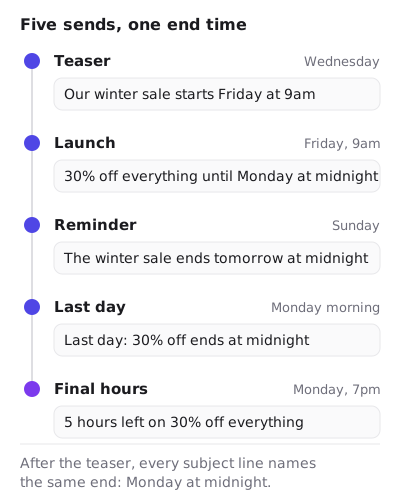
The arithmetic in the last subject line has to be right at the moment you send it. “5 hours left” sent at 7pm is true for a midnight end; the same line scheduled an hour late is not. If you schedule sends in advance, check each time against the end time before you queue them.
Sale email subject lines by send
These are examples written for this page. Change the product and the numbers to your own, and only use a line with a deadline in it if the deadline is real.
| Send | Example subject line | What it names |
|---|---|---|
| Teaser | Our winter sale starts Friday at 9am | The start |
| Teaser | Early access for members opens tomorrow | Who gets in first, and when |
| Launch | 30% off everything until Monday at midnight | Discount, scope and end |
| Launch | The winter sale is on: 30% off coats and boots | Discount and scope |
| Reminder | The winter sale ends tomorrow at midnight | The end |
| Reminder | Still 30% off: the boots you looked at | Discount and a product |
| Last day | Last day: 30% off ends at midnight | The end, today |
| Final hours | 5 hours left on 30% off everything | Hours left, at send time |
| After the end | The winter sale has ended. Here is what is new | That it is over |
The last row matters. An email after the end that says so plainly is the one that makes the earlier deadlines believable. If the sale comes back next week at the same price, the next subject line cannot honestly call it the last chance.
Black Friday email subject lines
Black Friday sends follow the same pattern, with one more thing to say: when the sale starts and ends, because the dates differ from store to store and some run through Cyber Monday. Name the days.
| Send | Example subject line |
|---|---|
| Before | Our Black Friday sale starts Friday at 6am Eastern |
| Before | Black Friday prices for members open Thursday night |
| Opening | Black Friday: 25% off everything until Monday |
| Weekend | Black Friday weekend: The 25% code still works |
| Cyber Monday | Cyber Monday is the last day of 25% off |
| Final hours | 3 hours left on our Black Friday prices |
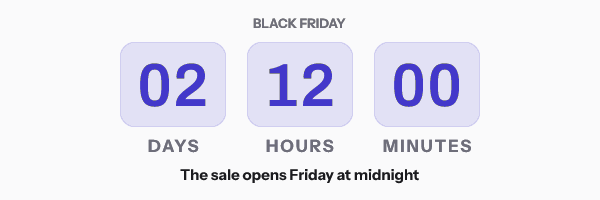
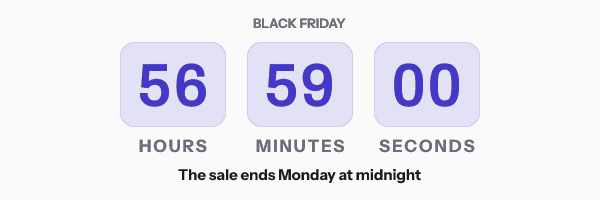
The Black Friday playbook walks through the teaser, live and final-hours sends with the timer each one carries.
Urgent email subject lines that are true
An urgent subject line is a statement about time, and it has to be true when the reader reads it. Regulators have named the false versions. The FTC’s 2022 staff report on dark patterns describes a “False Limited Time Message” as a claim that a deal ends soon “without a deadline or with a meaningless deadline that just resets when reached”, and it calls a fake clock a “Baseless Countdown Timer”. EU and UK consumer law both list falsely stating that a product is available for a very limited time as unfair in all circumstances. Fake countdown timers quotes all three in full.
A quick test for every urgent line:
| Urgent example | True when |
|---|---|
| Ends tonight at midnight | The price goes back up at midnight, in the time zone you name or the reader’s own |
| Last chance for 30% off | You will not run the same 30% off next week |
| Only 12 left in size M | Your stock count says 12 when you send, and you round it down rather than up |
| Sale extended to Tuesday | You have not already called Monday the final day |
| Your code expires in 24 hours | The code stops working in 24 hours |
“Ends at midnight” has a hidden question: whose midnight? A list spread over several time zones reads one subject line in many local times. Name the zone (“midnight Eastern”), or put the exact end in the email and let a countdown image show each reader how long is left. A fixed-deadline timer counts to one instant for everyone, so it is right in every time zone at once. You can make one free in the countdown timer generator, with no account for 500 opens or 1,000 when you sign in.
The discount in the subject has to be real
“30% off” is a price claim, and in the US the FTC’s Guides Against Deceptive Pricing set the standard for comparing against a former price. Section 233.1 says a former price is a legitimate basis for a price comparison when it is “the actual, bona fide price at which the article was offered to the public on a regular basis for a reasonably substantial period of time”. A price raised the week before a sale so that it can be cut by 30% fails that test.
The CAN-SPAM guide’s rule applies as well: “Don’t use deceptive subject lines.” A subject that says “up to 70% off” should be true for more than one item in the email, and the email should show which items.
Exclamation marks, capitals and symbols
Sale emails are where shouting creeps into subject lines. Two named rules in Apache SpamAssassin, an open source spam filter, are relevant: SUBJ_ALL_CAPS, “Subject is all capitals”, and PLING_QUERY, for a subject that has both an exclamation mark and a question mark. Neither rule decides alone, and mailbox providers do not publish how they weigh such signals. Writing the subject in sentence case, with the discount as a number, avoids both and reads more clearly anyway. Email subject lines capitalization has the case rules.
Gmail can show the deal next to the subject line
Gmail offers senders a way to put the sale’s details beside the subject in the Promotions tab. Google’s documentation for Promotions tab annotations says a deal annotation “adds a promotional badge directly to your email in the inbox”, and it can carry a description, a discount code and an end date and time. Google also says annotations depend on “quality filters and frequency limits”, so not every recipient will see one.
If you use them, the end date in the annotation, the end in the subject line and the end in the email body should all be the same moment. A deal badge that disagrees with the subject is the kind of mismatch the guidelines on accurate headers are about.
How to write a sale subject line, in order
- Write down the real start and end, with the time zone.
- Decide how many sends, and which of them name the end.
- For each send, put the newest fact first: the start, the discount, the day, the hours.
- Use the preview text for the code or the scope (“Use WINTER30 on coats and boots”).
- Check every number against the sale settings at the moment the send is queued.
- After the end, send nothing that calls the same offer a last chance.
The flash sale playbook shows where the countdown sits in each of three sends, and the email subject lines guide has examples for every other kind of email.
Questions and answers
What is a good subject line for a sale email?
One that names the discount, what it covers and when it ends, in that order, such as “30% off everything until Monday at midnight”. The preview text can carry the code.
How many emails should a sale have?
There is no rule. The example on this page uses five sends and the flash sale playbook uses three. Whatever the number, each subject should add a new fact.
Can I say “last chance” if I run the sale again later?
Not honestly about the same offer. The FTC’s dark patterns report describes deadlines that reset as a false limited time message. Call it a new sale if it is one.
Should a sale subject line include the end time?
Yes, when there is one. Name the time zone, or put the exact end in the email and use a countdown image so each reader sees their own time left.
Do emoji help sale subject lines?
No primary source with dates measures that across inboxes. If you use one, make it add meaning, and read the subject in a test send, because each device draws emoji its own way.
Sources
- 16 CFR 233.1, Former price comparisons (Legal Information Institute text of the Code of Federal Regulations), read on 29 October 2026
- Gmail Promotions tab annotations, overview (Google for Developers), read on 29 October 2026
- CAN-SPAM Act: A Compliance Guide for Business (Federal Trade Commission), read on 29 October 2026
- rules/20_head_tests.cf, rules SUBJ_ALL_CAPS and PLING_QUERY (Apache SpamAssassin source), read on 29 October 2026
- Bringing Dark Patterns to Light (FTC Staff Report, September 2022)
Related
Put a countdown in the campaign you are writing now
The free plan covers 5,000 opens a month with no card. Starter is $19 a month for 250,000.