Interactive email and dynamic email, and which inbox runs which
By Danish Mohammed. 7 min read
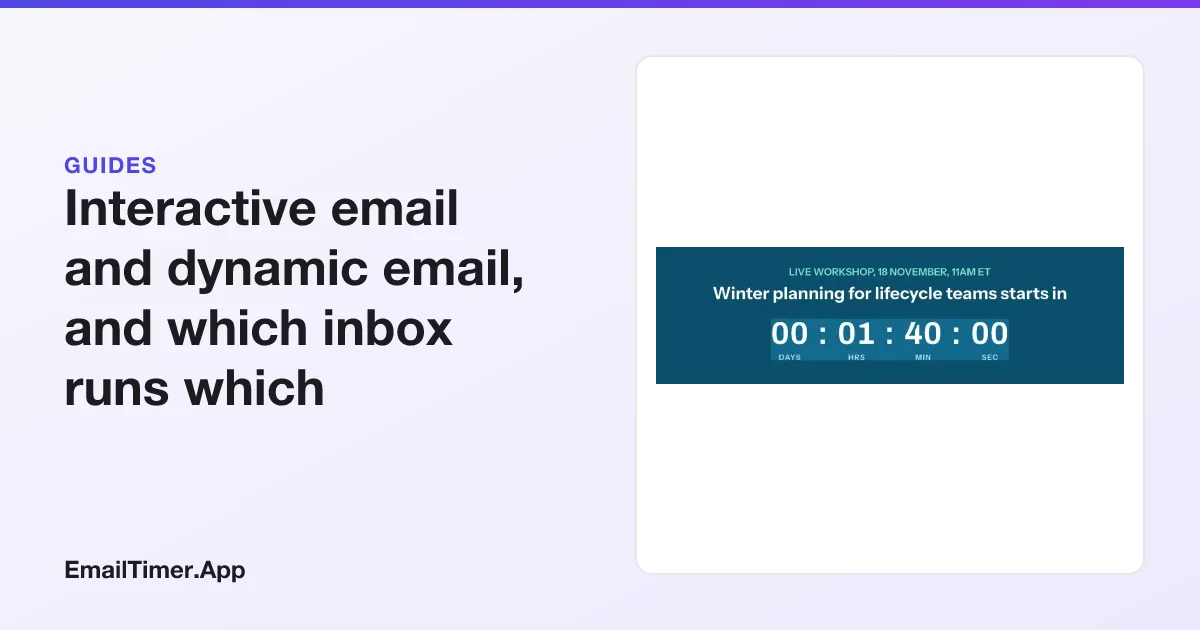
Interactive email is an email the reader can act on without leaving the inbox: answer a poll, submit a form, flip through a carousel. Today that mostly means AMP for Email, which runs in Gmail, Yahoo Mail, AOL Mail, Mail.ru and FairEmail. Dynamic email is an email whose content changes by reader or by moment, and the most portable form of it is an image drawn at open, which every inbox shows.
The two are often sold as one thing, and they are not. An interactive email responds to a tap. A dynamic email responds to who is reading and when. This guide explains both properly, including when AMP is the better tool, and then what a lifecycle team can do for the readers AMP does not reach.
The two words, defined
| Interactive email | Dynamic email | |
|---|---|---|
| What changes | The message, in response to what the reader does | The message, in response to who reads it and when |
| Main technology | AMP for Email, plus some CSS tricks | Merge content at send time; images drawn at open |
| Needs a tap? | Yes, that is the point | No |
| Who sees it | AMP inboxes only, for the AMP part | Everyone, for images; everyone, for merge content |
| Typical uses | Polls, quizzes, forms, booking, live lists | Countdowns, daily doors, reveals, event states, tiers, names |
| Fallback | An HTML part, required | The image’s own default state |
Dynamic email itself comes in two kinds, and the difference matters. Send-time content is decided when your platform builds the message: a first name, a block shown to one segment. Once sent, it never changes. Open-time content is decided when the image is fetched: the clock is current, and today’s door is today’s. The rest of this guide is about the second kind when it says “dynamic image”.
What AMP for Email is
AMP for Email is a restricted subset of the AMP web framework that runs inside a message. An AMP email is a normal email with an extra MIME part, text/x-amp-html, next to the HTML and plain text parts. A client that supports AMP renders that part; every other client renders the HTML.
What it makes possible is real interaction in the inbox: a form that submits, a carousel the reader swipes, a list loaded from your server at open. A reader can answer a survey without opening a browser, and the email can show content fetched when it is opened.
Who runs it
Checked on 29 October 2026, amp.dev lists five email clients: AOL Mail, FairEmail, Gmail, Mail.ru and Yahoo Mail. It also lists the sending platforms that can send AMP, and most large ones are on it. Apple Mail and Outlook are not on the client list, so their readers always get the HTML part.
What Gmail asks of a sender
Google’s developer pages set the conditions before Gmail shows any AMP email:
- Registration. A sender has to apply to Google with a real production email. “Registration works on a per-sender-email-address basis”, so each From address registers separately.
- Authentication. The email “must pass Domain Keys Identified Mail (DKIM) authentication” with a signing domain aligned to the From domain, and “must pass Sender Policy Framework (SPF) authentication”. DMARC with quarantine or reject is recommended, and Google notes that “this might be enforced in the future”.
- Encryption. Senders must “TLS-encrypt emails containing AMP”.
- A fallback. Every AMP email “must have a similar HTML or text MIME part”.
Gmail then shows the HTML part in several documented cases. Google’s debugging page lists OLD_EMAIL, “The email was sent over 30 days ago”, and AUTO_FORWARDED, “The email was automatically forwarded from a different account”. An AMP email is a message with a 30-day dynamic life in one family of inboxes, and an HTML email everywhere else and after that.
When AMP is the right tool
AMP is worth its cost when the reader has to give you something inside the inbox, and the answer is worth more than the reach you lose:
- A one-question survey or NPS score, where every extra click costs responses.
- Booking or RSVP, where the reader picks a slot.
- A form that would otherwise be a landing page, such as updating preferences.
- A list that must be current at open, such as order status.
If most of your list reads in Gmail or Yahoo and the task is one of these, AMP is a good choice, and nothing in an image can replace it.
What about CSS interactivity?
Some interactive effects are built without AMP, using CSS: hover states, and tabs or reveals built from hidden form controls. Support varies widely by client, and a client that does not support the trick shows either the first state or everything at once. Treat it as an enhancement for the clients that support it, test each client you care about, and make sure the version without the effect still reads correctly. We have not published our own tests of these techniques, so this page makes no claim about which clients support which effect.
What dynamic images do instead
A dynamic image cannot respond to a tap. What it can do is show each reader a state that is true at the moment of opening, in every inbox that loads images. For many lifecycle emails, that is what the reader needed in the first place.
Take a webinar invitation. The useful thing it can tell you depends on when you read it: how long until it starts, that it is live now, or that the replay is ready. One image can carry all three.



It is built from a countdown and eight rules against the time the image is opened. At the start time, rules hide the clock, show the button and change the headline. Ninety minutes later, three more rules change the headline, the eyebrow and the button text to the replay. The button in the image is part of the picture, so the image’s link should go to a page that does the right thing at each moment: the live room during the session and the recording after it.
The same mechanism builds the rest of the open-time plays: a door per day, a reveal at a moment you pick, a tier badge chosen by a field. Email gamification goes through seven of them, and the advent calendar email builds one in full.
Which inbox runs what
| Gmail | Yahoo Mail | Apple Mail | Outlook | |
|---|---|---|---|---|
| AMP part | Yes, for registered senders, for 30 days | Yes | No, shows HTML | No, shows HTML |
| Send-time merge content | Yes | Yes | Yes | Yes |
| Image drawn at open | Yes, fetched through Google’s proxy | Yes | Yes, usually fetched in the background near delivery | Yes, once the reader allows images |
| CSS interactive effects | Varies; test | Varies; test | Varies; test | Varies; test |
AMP support is from amp.dev as read on 29 October 2026, and the 30-day and registration rules from Google’s developer pages. The image rows follow from each client loading remote images.
The caching footnote that changes the plan
An image drawn at open is drawn at the fetch, and the fetch is not always the read.
Google states that “when your users open email messages, Gmail uses Google’s secure proxy servers to serve images”. The first open is live, and a re-open may be served from Google’s copy. Apple’s Mail Privacy Protection “downloads remote content in the background by default”, so for many Apple readers the picture is drawn close to delivery. How email image caching works sets out what each provider documents.
That means a dynamic image is best at states that last hours or days, not minutes: a door per day, a “live now” that lasts the length of the session, a replay that lasts for ever. Put the state that matters in live text too, so the subject line and button say what the picture says.
Choosing between them
- The reader must answer inside the inbox, and your list is mostly Gmail and Yahoo: AMP, with a good HTML fallback.
- The reader must see a state that depends on the date or on their data: a dynamic image. It works in every inbox.
- Both: send an AMP email whose HTML part carries the dynamic image. AMP readers get the interaction; everyone else still gets a current picture instead of a static fallback.
- Neither, but you want engagement: link to a landing page, where anything a web page can do is possible, and let the email carry the state that brings people there.
Questions and answers
What is an interactive email?
An email the reader can act on inside the message, such as submitting a form or answering a poll. In practice that is AMP for Email in the clients that support it, and CSS effects in some others.
Is AMP email dead?
No. It is supported by the five clients amp.dev lists, including Gmail and Yahoo Mail, and by most large sending platforms. It is narrow rather than dead: Apple Mail and Outlook readers see the HTML part.
Does Apple Mail support AMP?
No. Apple Mail is not on amp.dev’s list of supporting clients, so an Apple Mail reader sees the HTML or text part of an AMP email.
What is the difference between dynamic and interactive email?
Interactive email changes when the reader does something. Dynamic email changes with who the reader is and when they open it. A countdown is dynamic; a poll is interactive.
Can a dynamic image be clicked?
Yes, the whole image can be a link, like any image. What it cannot do is respond differently to different parts of a tap, or change after the click. Different areas need separate images or HTML buttons next to it.
Do I need to register with Google for dynamic images?
No. Registration is for the AMP part only. An image is fetched like any other remote image.
Sources
- Supported Email Platforms (amp.dev), read on 29 October 2026
- Register with Google to send dynamic emails (Google for Developers), read on 29 October 2026
- Security requirements for AMP emails (Google for Developers), read on 29 October 2026
- Debug dynamic email (Google for Developers), read on 29 October 2026
- Mail Privacy Protection (Apple legal)
- Set up an image URL proxy allowlist (Google Workspace Admin Help)
Related
Put a countdown in the campaign you are writing now
The free plan covers 5,000 opens a month with no card. Starter is $19 a month for 250,000.